
Quick Code PROS - Fixing inefficient workflows
since 1994.
I turn everyday friction into practical solutions that work.
About
I never planned to become a software developer. I dreamed of being President, competing in the Olympics, and becoming the first female professional quarterback—all at the same time.
Reality led me to accounting, but I quickly became more interested in improving processes than performing routine tasks. I wanted to understand how information flowed, why it was duplicated, and how I could save time, reduce errors, and make work more efficient.
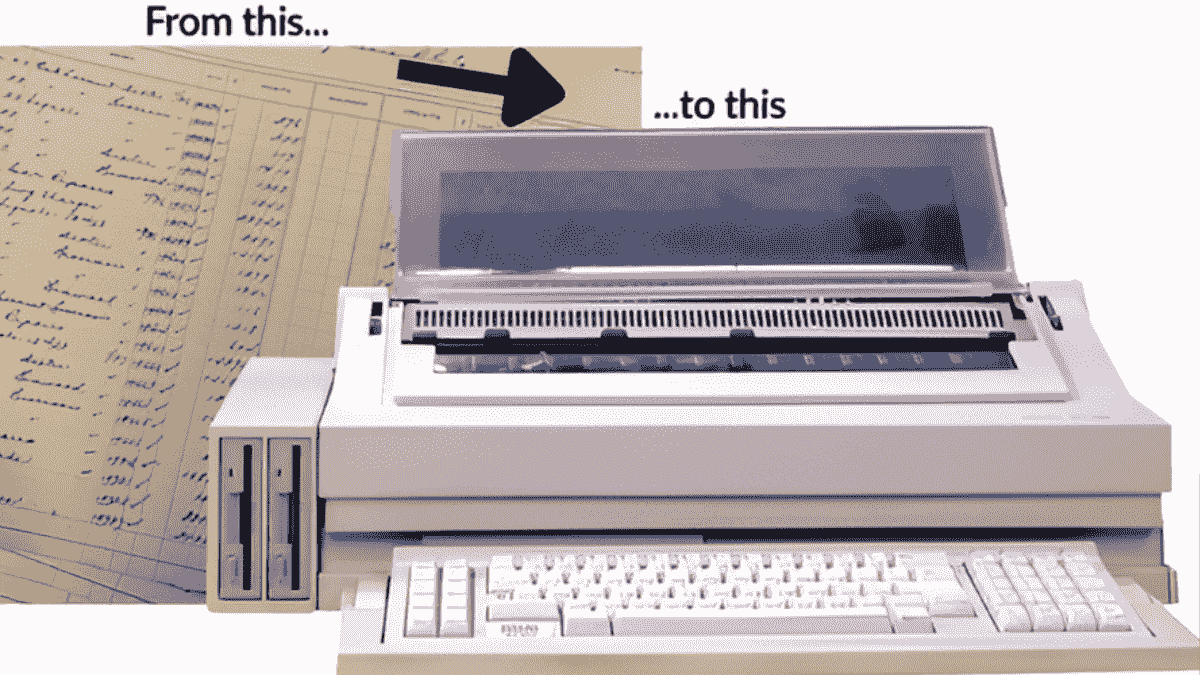
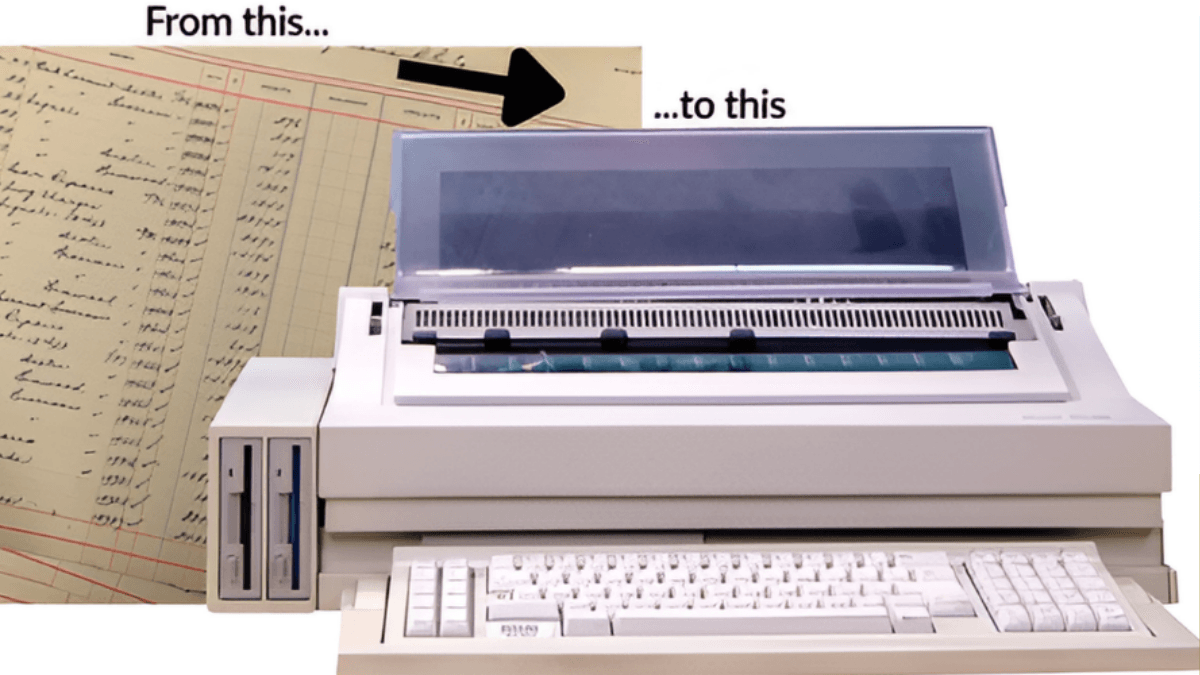
I built my first automated system on a typewriter.
Early in my career at a daycare center, invoicing parents and tracking payments were slow, manual tasks.
Using an Olivetti TES 401 word-processing typewriter—a cutting-edge machine at the time—I tackled the challenge head-on. I stored data on its disks and used its batch-printing features to create my first automated system, generating invoices, tracking payments, and matching them to the correct accounts.
What began as a routine administrative task quickly evolved into a customized system that streamlined the daycare’s operations. By automating invoicing, I laid the foundation for my career in software development and process improvement.
Fast-forward...
Over the years, I worked in nonprofit, small business, higher education, and healthcare before launching my own venture, creating programs for Twin Cities food shelves and coordinating Operation Joy.
I've developed custom software for organizations such as the Epilepsy Foundation, the Salvation Army, and UnitedHealthcare. My first commercial application, Outcomes Plus!, enabled home health agencies to meet Medicare-required reporting. Since then, I’ve specialized in workflow optimization, designing solutions that seamlessly connect systems, automate tasks, and deliver actionable insights.
Show me the process that needs fixing.
Show me what’s wasting time, creating mistakes, or making people crazy. I’ll figure out a practical way to improve it-no charge.
What's your problem?Name *Email *PhoneFile Upload (optional)Upload FileUp to 20 MBYour information stays private. Please don't upload confidential or sensitive business data with your initial request.